
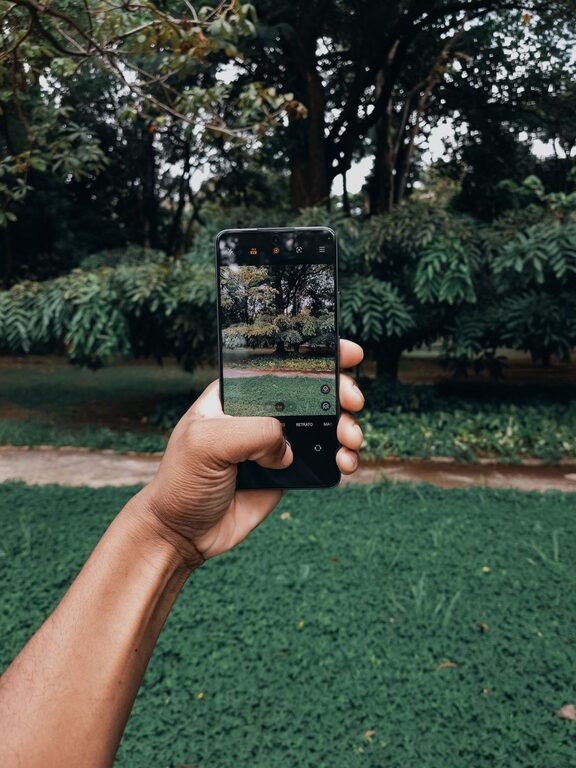
Taking great photos with your phone is easier than ever thanks to improvements in smartphone cameras. Whether you’re capturing memories of a family outing or snapping pictures for social media, a few simple tips can help you take better photos that stand out. This guide covers beginner-friendly advice to help you get the most out of your phone camera.
Understand Your Phone Camera
Before diving into photography techniques, spend some time exploring your phone’s camera features. Most smartphones offer more than just a point-and-shoot experience.
– Know your camera modes: Check if your phone has different modes like portrait, night, panorama, or pro/manual mode.
– Learn about lens options: Some phones have multiple lenses (wide, ultra-wide, telephoto). Experiment with each to see what works best for different scenes.
– Adjust settings: Play with exposure, focus, and white balance options to understand how they affect your photos.
Understanding your camera’s capabilities helps you make better choices during a shoot.
Keep Your Lens Clean
It might sound simple, but a clean lens makes a big difference. Phone lenses can easily get smudged with fingerprints, dirt, or dust.
– Use a soft cloth or lens cleaning wipe to gently clean the lens before taking photos.
– Avoid using your fingers to wipe the lens as it can add more smudges.
Clear lenses ensure sharper, clearer images.
Focus on Composition
Composition is a key factor in making your photos visually appealing. Here are some beginner-friendly composition tips:
Use the Rule of Thirds
Most phone cameras offer a grid overlay that divides the screen into thirds both horizontally and vertically. Position your subject along these lines or at the points where they intersect to create a balanced image.
Fill the Frame
Get closer to your subject or zoom in (if your phone has optical zoom) to eliminate distracting backgrounds and emphasize the main subject.
Pay Attention to Backgrounds
Before you snap, glance at the background. A cluttered or distracting background can take attention away from your subject. Look for simple, clean backgrounds when possible.
Leading Lines and Symmetry
Look for natural lines like roads, fences, or bridges that lead the viewer’s eyes toward your subject. Symmetrical scenes can also create visually satisfying images.
Use Natural Light Whenever Possible
Lighting can make or break a photo. Here are tips to work with natural light:
– Shoot during golden hours: Early morning and late afternoon provide soft, warm light that’s flattering for most subjects.
– Avoid harsh midday sun: Bright sunlight can create strong shadows and highlights, making photos look less natural.
– Use shade: If the sunlight is too strong, moving your subject into the shade can help diffuse the light for a softer look.
– Face the light: When taking portraits, have your subject face toward the light source to avoid unflattering shadows.
Hold Your Phone Steady
Blurry photos are a common issue. To reduce blur:
– Hold your phone with both hands for stability.
– Tuck your elbows close to your body.
– Use a tripod or phone stand if you have one.
– Use the timer or voice control to avoid shaking when pressing the shutter button.
Steady hands help produce sharper images, especially in low light.
Experiment with Editing Apps
Editing can enhance your photos and fix minor issues. Many user-friendly apps let beginners adjust:
– Brightness and contrast
– Saturation and color balance
– Cropping and straightening
– Sharpness and clarity
Popular free apps include Snapseed, VSCO, and Lightroom Mobile. Avoid over-editing to keep your photos natural.
Explore Different Perspectives
Don’t just shoot from eye level. Try changing your angle:
– Get down low for a child or pet’s perspective.
– Shoot from above for a bird’s-eye view.
– Move around your subject to find interesting viewpoints.
Different angles add creativity and interest to your photos.
Avoid Using Digital Zoom
Digital zoom reduces image quality because it crops and enlarges your photo. Instead:
– Physically move closer to your subject.
– Use optical zoom if your phone offers it for better clarity.
Getting closer to the subject usually produces better results than zooming in digitally.
Keep Practicing and Have Fun
Photography is a skill that improves with practice. Take your phone along wherever you go and try capturing different subjects like landscapes, people, food, or architecture. Review your photos to see what worked and what can be improved.
Remember, the best camera is the one you have with you. With these tips, you’ll be able to take photos that capture your favorite moments beautifully.
—
By following these beginner tips, anyone can start taking better photos with their phone. Enjoy the process, keep experimenting, and watch your photography skills grow!